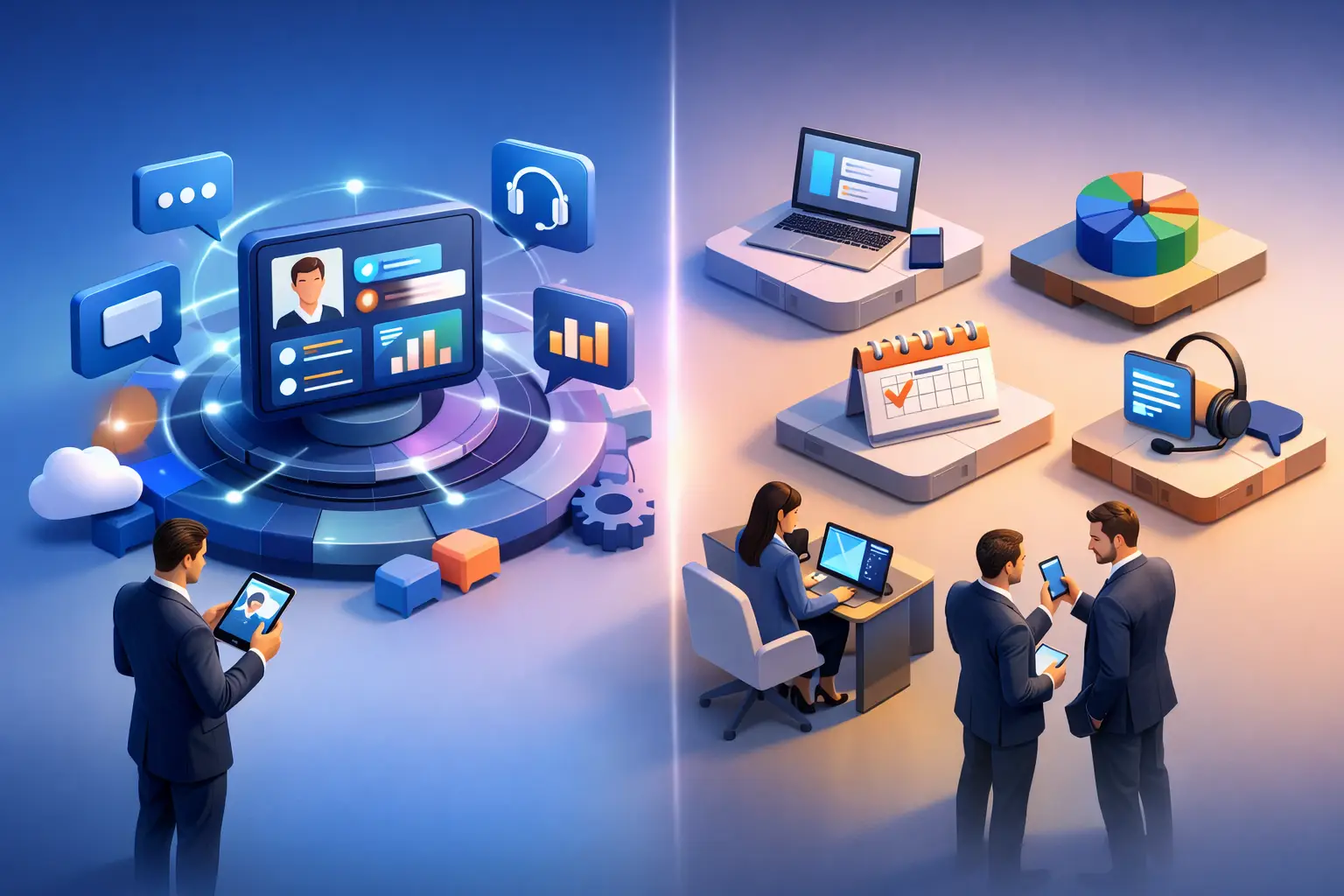
When a sales rep updates their contact card in one app, scans leads in another, and messages visitors through a third, the problem is not effort. It is fragmentation. The real question behind unified engagement platform vs separate tools is simple: how many gaps can your team afford between interest and action?
or organizations that manage digital identity, events, and physical spaces, those gaps add up fast. A prospect scans a QR code but lands on an outdated profile. An attendee registers for a conference but never receives relevant updates inside the event experience. A visitor arrives at an office building and has no clear path to parking, navigation, or the right contact person. ach tool may do its own job well, but the customer experience still feels disconnected.
Unified engagement platform vs separate tools: what actually changes?
The difference is not only about software architecture. It changes how people move through your business.
With separate tools, every interaction tends to live in its own lane. Your digital business card sits in one system, event registration in another, visitor communication in another, and reporting somewhere else entirely. Teams spend time syncing data, checking whether branding is current, and patching together workflows that were never designed to work as one.
With a unified engagement platform, the experience is built around continuity. The same platform can support a smart digital identity, an event journey, and a location-based visitor experience while keeping content live, editable, and consistent. That matters because your audience does not think in systems. They think in moments. Scan, register, enter, connect, follow up. If those moments do not connect, engagement drops.
This is where the platform model starts to earn its value. Instead of asking users to adapt to your tool stack, you create one digital layer that adapts to the context.
The hidden cost of separate tools
Separate tools often look cheaper at the start. A low monthly fee here, a free add-on there, and a specialized app for one department can feel like a practical way to move quickly. But cost in this decision is rarely just the line item on a pricing page.
The bigger expense is coordination. Someone has to manage multiple vendors, user permissions, branding updates, training, and reporting logic. Someone has to answer why lead data from an event does not match CRM records, or why a QR profile still shows last quarter's information. That operational drag is easy to miss because it gets distributed across teams.
There is also a customer-facing cost. very extra step reduces conversion. If attendees need one app for registration, another for networking, and a separate channel for follow-up, adoption suffers. If office visitors need to search for building details across multiple sources, the experience feels older than it should. If professionals keep sharing static links that need constant manual maintenance, opportunities are lost in ways that never show up neatly in a dashboard.
A unified model reduces those handoffs. It does not remove complexity from your business, but it can keep that complexity behind the scenes where it belongs.
Where a unified platform creates the biggest advantage
The strongest case for a unified approach appears when engagement spans more than one touchpoint.
or digital identity, the issue is rarely just having a profile page. The issue is keeping that profile active, current, and ready for different audiences. A smart QR business card that updates in real time gives professionals and brands a better way to manage introductions, bookings, social links, and contact details without resending new links every time something changes. In that context, a unified platform supports both presentation and performance. You are not just sharing information. You are creating a live point of entry into the relationship.
or conferences and events, the value is even more visible. Registration, attendee interaction, exhibitor engagement, and lead capture should not feel like separate systems forced into one event. When they do, managers lose visibility, exhibitors lose speed, and attendees lose momentum. A connected platform can reduce friction from sign-up through on-site participation and post-event follow-up, all while giving organizers cleaner data and more control.
or office buildings and tenant communication, the same principle applies. Building information, visitor guidance, parking details, office contact points, and service updates all work better when they are delivered through one coordinated digital layer. Property teams can communicate more clearly, and tenants can give guests a more modern arrival experience without relying on static signage or scattered instructions.
In each case, the platform is not valuable because it is unified in theory. It is valuable because it keeps the next step obvious.
When separate tools still make sense
There are cases where separate tools are the right call.
If your needs are narrow, stable, and limited to one department, a specialized tool can be enough. A small team running a single annual event with no need for cross-channel engagement may not need a broader platform. The same goes for a company that only wants a basic contact page and has no plans to connect it to lead generation, multilingual communication, or in-person experiences.
Separate tools can also be useful when a business already has deep internal systems that are difficult to replace. In those environments, the decision is less about platform versus tools and more about which layer should orchestrate the experience.
But there is a trade-off. The more your business depends on live updates, multilingual accessibility, analytics, and consistent brand control across touchpoints, the faster separate tools start to create overhead. What begins as flexibility can turn into maintenance.
Adoption is where most tech decisions win or fail
A platform can look impressive in a demo and still fail if real users do not adopt it. That is why the better comparison in unified engagement platform vs separate tools is not feature count. It is behavior.
Will your team actually keep content updated? Will attendees use the event experience without needing constant support? Will visitors arriving at a building immediately understand what to do next? Will a professional feel confident replacing paper cards with a digital identity they can use every day?
Unified systems often perform better here because they reduce decision points. ewer logins, fewer disconnected interfaces, fewer places where users need to guess what comes next. That simplicity is not cosmetic. It directly affects participation and response rates.
This matters even more for organizations serving mixed audiences. International visitors, event attendees, tenants, prospects, partners, and executives all expect fast access and low friction. If your platform can adapt by context, device, and language, adoption becomes easier because the experience feels relevant from the first interaction.
Control, data quality, and speed
There is another reason many businesses move away from separate tools: they want better control without slowing teams down.
In a fragmented setup, updating one campaign, one speaker profile, one building notice, or one executive contact point can trigger changes across multiple systems. That creates version problems and approval delays. A unified platform gives teams a central place to manage live digital assets, so updates reach the audience faster and with less room for error.
Data quality also improves when engagement happens in one environment. You can see which touchpoints perform, where people drop off, and which interactions lead to meaningful follow-up. That is harder to achieve when each tool reports in its own format and on its own timeline.
or revenue teams, event teams, and property teams alike, speed matters. Not speed for its own sake, but speed tied to action. aster lead capture. aster content updates. aster visitor support. aster movement from scan to conversation.
The better question to ask before you choose
Do not start with software categories. Start with your customer journey.
If your business depends on repeated engagement across digital profiles, physical spaces, and live interactions, separate tools will usually force your audience to experience your organization in fragments. A unified platform gives you a better chance of making every touchpoint feel current, connected, and measurable.
That does not mean every company needs one system for everything. It means businesses with layered engagement needs should stop evaluating tools in isolation. The smarter test is whether your setup helps people move forward without confusion.
or organizations ready to replace static links, disconnected event workflows, or outdated building communication with one adaptable digital layer, that shift is often where better engagement starts. OneContact is built for exactly that kind of transition - not a generic app, but a configurable platform shaped around how modern businesses connect with people.
The best choice is the one that removes friction your audience can feel, even if your team has learned to live with it.