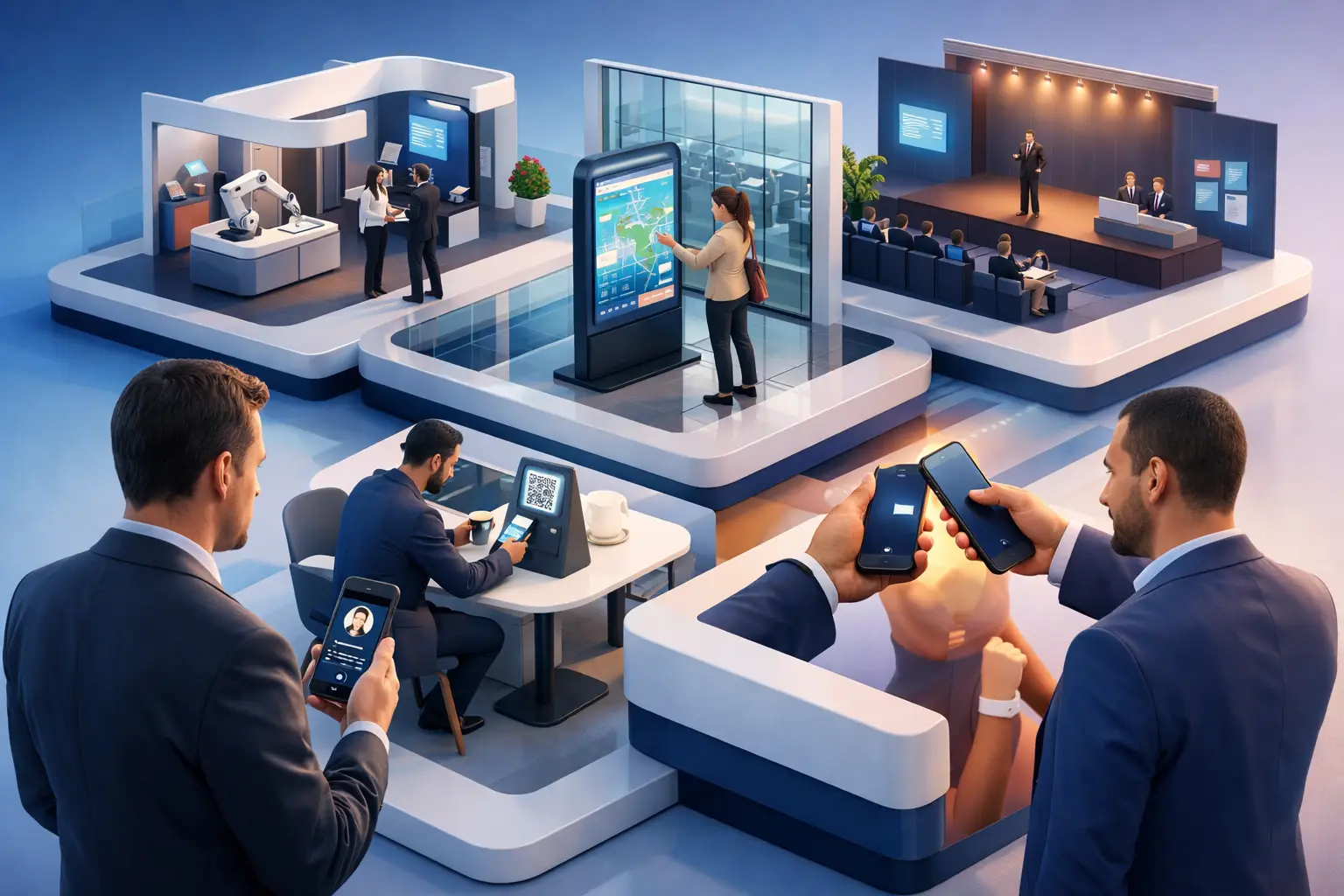
A busy booth can still produce weak results if the experience breaks at the wrong moment. A badge won’t scan. A lead sits in someone’s notes app. A promising conversation ends with a paper card that never makes it into the CRM. That is why the top conference features for exhibitors are not the flashy extras. They are the tools that remove friction, capture intent in real time, and make follow-up easier while the event is still happening.
or exhibitors, conference technology should do three jobs well. It should help attract the right visitors, turn booth traffic into qualified leads, and keep the post-event sales process moving. Anything beyond that is useful only if it supports those outcomes. The best setups are not built around novelty. They are built around speed, clarity, and measurable engagement.
What exhibitors actually need from conference tech
xhibitors do not need another disconnected app, another export file, or another process that depends on the booth team remembering every detail after a long day. They need a simple system that works on the floor, supports different attendee behaviors, and gives sales teams clean information they can act on.
That means the strongest event platforms usually combine registration, attendee interaction, lead capture, and follow-up tools in one environment. When those parts are split across multiple vendors, exhibitors end up filling the gaps manually. That creates delays, lost context, and weaker conversion.
Top conference features for exhibitors that drive results
1. ast lead capture at the booth
If lead capture takes too long, staff stop using it correctly. This is where many exhibitor programs underperform. The ideal experience lets teams capture a contact in seconds, tag the conversation, and move to the next attendee without breaking momentum.
Badge scanning still matters, but scanning alone is not enough. A name and company are useful, yet they do not explain whether the person is a buyer, partner, student, or competitor. The stronger feature set adds quick qualification fields, notes, and follow-up status so leads are sorted while the interaction is still fresh.
2. Digital business card exchange
Paper cards create lag. They also create errors. A digital business card solves both problems by giving exhibitors a live, shareable identity that attendees can save instantly on their phones. It also helps after the event because contact details, role changes, and relevant links can stay updated instead of going stale.
This matters most at events where people move fast and conversations happen between sessions, in hallways, or during networking breaks. A smart digital identity reduces the risk of losing the connection simply because no one had time to type the details later. or exhibitors who want a more modern handoff than printed cards, a digital card approach can turn a quick introduction into an active lead path.
3. QR-based engagement that does more than open a landing page
A QR code at a booth should not just dump visitors onto a generic site. One of the top conference features for exhibitors is dynamic QR engagement that directs attendees to the right action immediately. That might be booking a demo, saving contact details, viewing product material, requesting pricing, or opening a multilingual company profile.
The difference is intent. When the QR experience is built for the event context, exhibitors can guide visitors based on where they are in the buying journey. Someone who is just browsing needs a light-touch next step. Someone who asked technical questions may need a meeting link or a product sheet. One QR touchpoint can support both, if the destination is designed well.
4. Real-time lead qualification and tagging
Not every lead deserves the same follow-up. That sounds obvious, but many teams still leave conferences with a flat list of names and no real prioritization. Real-time qualification helps exhibitors separate high-intent prospects from casual traffic before the event ends.
The useful version of this feature is simple. Staff should be able to tag industry, product interest, budget range, urgency, or next step in a few taps. If the process is too detailed, it gets skipped. If it is concise, it creates a pipeline the sales team can trust.
There is a trade-off here. Too much structure can slow booth conversations. Too little structure makes the data weak. The best systems give exhibitors a small set of high-value fields and let them move quickly.
5. Meeting booking built into the event flow
A strong booth conversation often ends with, “Let’s reconnect after the show.” That is usually where momentum drops. A better approach is to let attendees book a time on the spot, whether for a deeper product demo later that day or a follow-up call the next week.
Built-in scheduling is one of the most practical features for exhibitors because it turns interest into commitment before the attendee walks away. It also helps teams manage booth traffic more efficiently. If a product specialist is not available immediately, a booked slot is better than a vague promise.
6. Multilingual attendee experience
Many conferences bring together international audiences, but exhibitors often treat language as an afterthought. That limits engagement more than teams realize. If attendees can access profiles, contact options, and event interactions in their device language, they are more likely to act.
This is especially valuable for companies exhibiting at regional events with global attendance, or industry conferences that attract investors, partners, and buyers from multiple markets. Automatic language adaptation removes one more barrier between interest and action. It is not just a convenience feature. It can directly improve conversion.
7. xhibitor analytics that go beyond booth traffic
Booth visitor numbers can be misleading. A crowded stand does not always mean strong pipeline value. xhibitors need analytics that show what actually happened: how many leads were captured, how they were qualified, which content got engagement, and how many meetings were booked.
The most useful reporting also reveals timing patterns. Did traffic spike after a speaking session? Did one product page outperform another? Did a particular booth team member convert more visitors into booked follow-ups? These details help exhibitors improve performance during the event, not just analyze it afterward.
That said, analytics only matter if the data is reliable. If staff adoption is low or interactions are not being captured consistently, the dashboard will look polished but tell the wrong story.
8. CRM-ready exports or direct handoff to sales
Conference leads lose value quickly when they sit in a spreadsheet for a week. One of the most overlooked exhibitor needs is a clean handoff from the event floor to the sales process. The faster that transfer happens, the easier it is to follow up while the conversation is still remembered.
This is where platform design matters. If the event tool captures qualification notes, meeting status, and contact details in one place, the sales team receives context, not just raw data. That context is what makes follow-up relevant. It is the difference between a generic “great meeting you” email and a message tied to a real need the attendee discussed at the booth.
9. A no-download attendee experience
xhibitors want engagement, but attendees do not always want another app. That tension shapes the best event technology decisions. If visitors must install something, create an account, or navigate a confusing interface just to connect with a booth, many will abandon the process.
A no-download experience lowers friction immediately. Attendees can scan, save, book, or chat from their phones without adding another layer of effort. or exhibitors, that usually means more completed interactions and fewer lost opportunities.
This does not mean apps are always the wrong choice. At some large events, a dedicated app can support navigation and agenda planning well. But for exhibitor engagement specifically, lightweight access often performs better because it respects how people behave on the show floor.
Choosing features based on your event goals
Not every exhibitor needs every feature. A company focused on awareness may care more about digital profile views and content interactions. A team selling enterprise software may prioritize qualification depth, scheduled demos, and CRM sync. A business entering a new market may benefit most from multilingual presentation and easier contact exchange.
The common thread is this: features should support the next action. If a tool does not help an attendee connect, book, request, or respond, it may look advanced without improving results.
or exhibitors that want those functions in one place, a unified conference platform can reduce the usual split between registration, attendee engagement, and lead handling. OneContact is built around that idea, helping event teams and exhibitors manage interaction without pushing users into disconnected tools or generic event apps.
Why simpler systems usually win on the floor
Conference environments are messy. Booth teams are tired, internet conditions vary, and attendees make decisions in seconds. Under those conditions, simple systems beat feature-heavy ones almost every time.
The top conference features for exhibitors are the ones people actually use in live event conditions. ast capture. Clear qualification. asy contact exchange. Immediate next steps. Strong follow-up data. When those basics are done well, exhibitors do not need to chase engagement. They create it naturally.