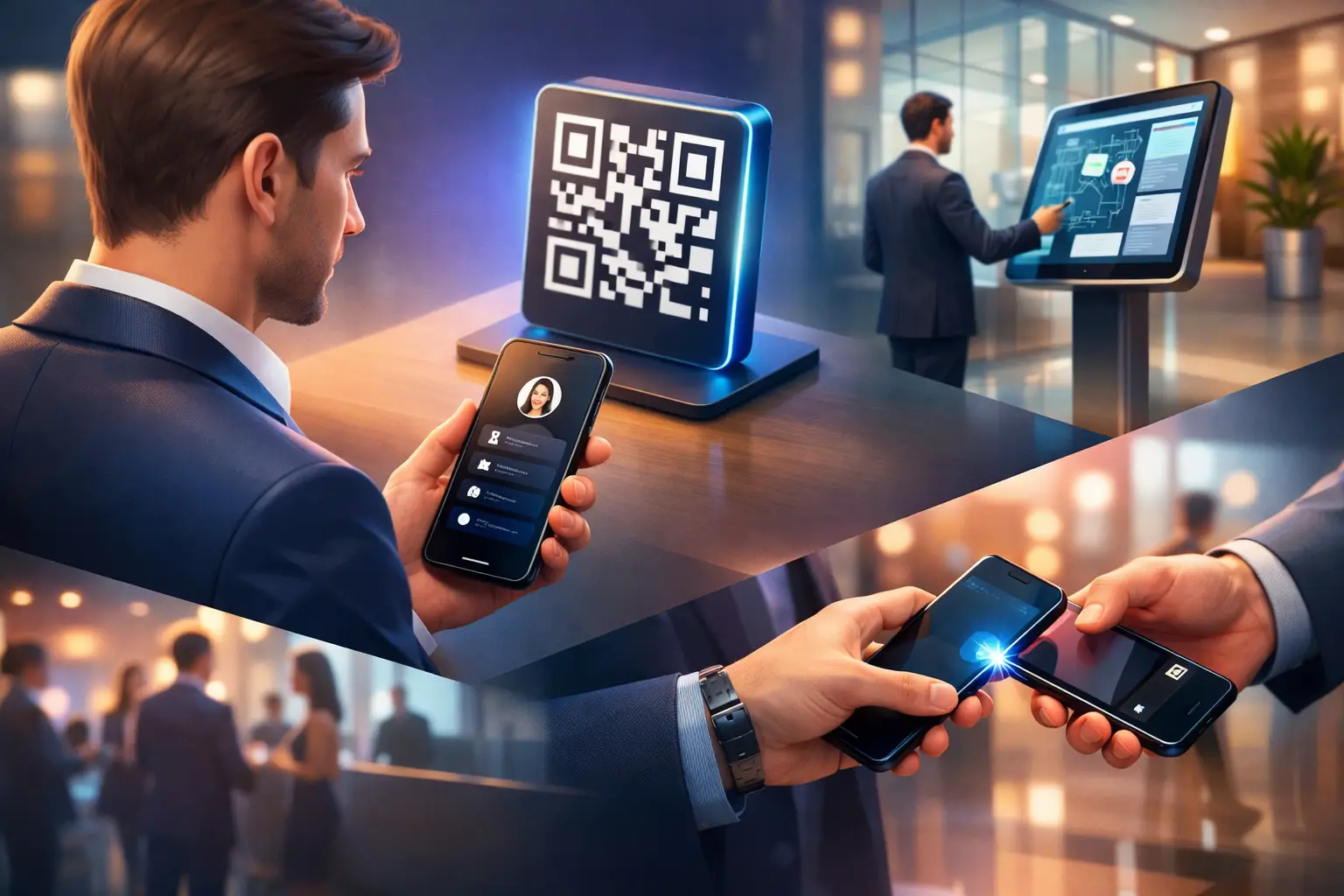
A badge gets scanned, a brochure gets picked up, a booth conversation goes well - and then the lead disappears because the next step was too slow. That is exactly where a lead capture QR code changes the game. Instead of asking people to type, save, search, or download, you give them one fast action that moves interest into a trackable contact flow.
The appeal is simple, but the execution matters. A QR code by itself does not capture leads. It only opens a destination. If that destination is static, generic, or poorly timed, the scan becomes a dead end. If it is built around context, speed, and measurable actions, the same scan becomes a qualified business opportunity.
What a lead capture QR code actually does
A lead capture QR code is not just a shortcut to a website. In practice, it is a conversion point placed in the physical world. It connects an offline interaction - a booth visit, business card exchange, lobby arrival, poster view, table tent, product display - to a digital experience designed to collect intent.
That intent can show up in different ways. Sometimes it is a simple form submission. Sometimes it is a contact save, meeting request, product inquiry, brochure access, event check-in, or direct chat. The strongest setups do not force every visitor through the same path. They give people the next logical action based on where they are and what they need.
That is the difference between getting more scans and getting more leads. Scans measure attention. Conversions measure value.
Why most QR lead capture efforts underperform
Many teams treat QR codes like stickers they can place anywhere and figure out later. That usually leads to weak results. A code that points to a homepage is too broad. A code that opens a PD is hard to track. A code that asks for too much information too early creates friction.
There is also a timing problem. At events, people are moving fast. In office buildings, visitors want direction, not a long form. In retail or service environments, customers want an answer now, not a marketing funnel. If the digital experience ignores that moment, the code may still get scanned, but it will not convert well.
A better approach starts with one question: what should happen immediately after the scan? If the answer is vague, the setup is not ready.
How to build a lead capture QR code flow that converts
The best-performing flows feel obvious to the person scanning. They reduce choices, present a clear value exchange, and make the next step easy to complete on mobile.
Start with one high-intent action
very QR placement should have a primary goal. At a conference booth, that might be booking a product demo. On a smart QR business card, it might be saving contact details and requesting a follow-up. In a building lobby, it might be connecting visitors to the right office or team.
Trying to make one code do everything usually weakens performance. If you need multiple outcomes, create a smart landing experience with a clear visual hierarchy. The top action should match the context of the scan.
Keep the post-scan experience short
People scan QR codes on phones, often while standing, walking, or multitasking. Long forms and crowded pages create drop-off. Ask for the minimum needed to move the relationship forward. Name, email, company, and one qualifier can be enough if the follow-up process is strong.
If you already exchanged context in person, do not ask the visitor to repeat it all on a screen. Use the scan to confirm interest and route the lead, not to recreate an entire intake process.
Offer a real reason to engage
"Contact us" is rarely strong enough on its own. Better incentives depend on the setting. A visitor at an event may want slides, pricing, a meeting slot, or a product walkthrough. A prospect scanning a digital business card may want instant contact details, social proof, and a direct communication option.
or professionals and teams using smart QR business cards, a dynamic digital identity page can perform better than a static contact form because it lets visitors choose how they want to connect. That could mean saving details, opening WhatsApp, viewing services, or requesting a call through a single branded hub. OneContact offers this through its digital card solution.
Track by placement, not just by campaign
One of the biggest missed opportunities in QR lead generation is poor attribution. If the same code appears on booth walls, printed flyers, staff badges, and presentation slides, you lose insight into what actually worked.
Use distinct QR destinations or parameter-based tracking for each placement. That gives you a better picture of which touchpoints produce scans, which produce leads, and which produce qualified conversations. It also helps sales teams follow up with more context.
Where a lead capture QR code works best
The strongest use cases are the ones where physical attention already exists and speed matters.
vents and conferences
This is the clearest fit. xhibitors need a fast way to turn booth traffic into CRM-ready contacts without relying on paper forms or hoping someone remembers to follow up later. A lead capture QR code placed on counters, screens, badges, and product displays gives attendees an immediate action point.
The trade-off is that event environments are crowded and competitive. If every booth uses a QR code, yours needs a better reason to scan and a cleaner destination. That is why event-specific flows matter. The landing page should reflect the session, booth, or offer the attendee just saw, not a generic company page. or event teams that want registration, attendee interaction, and lead capture in one place, OneContact’s conference solution is built for that reality.
Smart networking and digital business cards
Traditional business cards create a gap between meeting someone and acting on that interaction. A smart QR business card shortens that gap. Instead of handing over printed details that may never be saved, you present a live digital profile that can be updated anytime.
This is especially useful for executives, sales teams, consultants, and public-facing professionals who need a more controlled first impression. A lead capture QR code on the card can do more than share contact details - it can direct people to book time, request a proposal, or choose a preferred communication channel.
Office buildings and visitor engagement
In commercial real estate and multi-tenant office environments, QR flows are often treated as utility tools. But they can also support lead and relationship capture. A lobby code can help visitors find a company, contact a host, access parking details, or start a conversation with the right office.
or tenant companies, that creates a more professional arrival experience and a cleaner communication trail. or property teams, it improves service and visibility without adding another disconnected tool. That is where a centralized building communication layer becomes more valuable than a simple static sign. OneContact supports this with its office building solution.
What to measure beyond scan volume
A high scan count can look promising and still produce weak business results. The better metrics depend on your goal, but most teams should go beyond top-of-funnel activity.
Look at scan-to-submit rate, qualified lead rate, meeting bookings, response time, and lead source by placement. If your process includes sales follow-up, measure how many QR-sourced leads progress to a real conversation. That is where you see whether the QR code is attracting the right audience or just generating casual clicks.
It also helps to compare QR traffic with other channels. Sometimes a QR code outperforms paid traffic because intent is higher. Other times, it produces more volume but lower qualification. Both outcomes are useful if you are measuring the right thing.
Common mistakes to avoid
The most common mistake is sending every scan to the homepage. The second is asking for too much too soon. The third is forgetting that mobile conversion depends on design, load speed, and clarity.
There is also a branding issue. If the QR experience feels disconnected from the booth, business card, or physical location where it was scanned, trust drops. People need confirmation that they landed in the right place. Consistent visuals, concise copy, and one clear CTA usually outperform clever but vague messaging.
And while gated content can work, it depends on context. If the value is high and immediate, people will share details. If not, forcing a form may reduce total conversions. Sometimes letting the visitor access information first and then prompting the next step produces better lead quality.
The real value is speed with context
A lead capture QR code works best when it respects the moment. It should feel like the fastest way to continue a conversation that already started, not the beginning of a complicated process. That is why the best systems connect scan location, user intent, and follow-up action inside one flow.