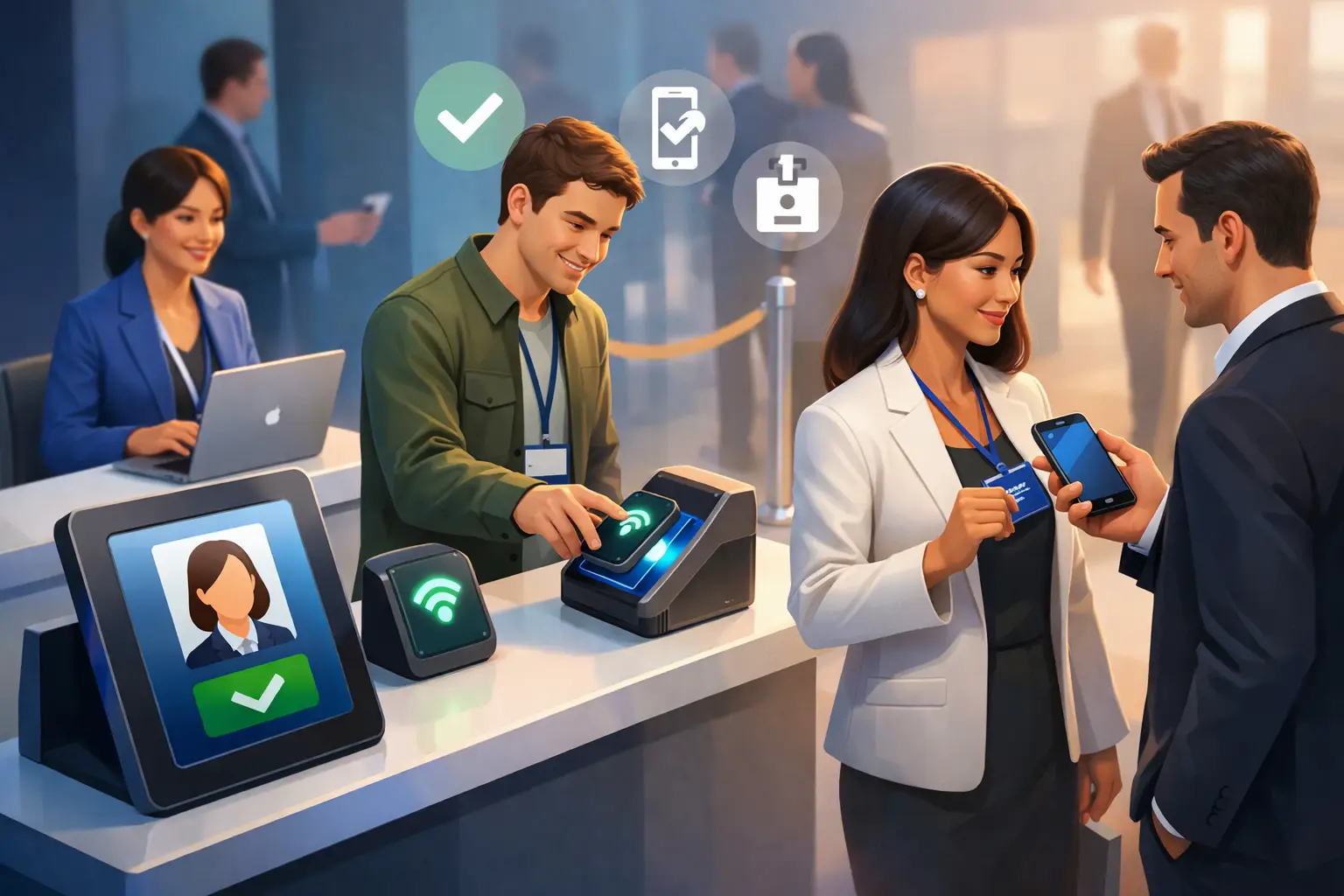
The line tells you everything.
If attendees are still waiting 15 minutes after the doors open, your event check-in process is already shaping the day in the wrong direction. People arrive with low patience and high expectations. They want to get their badge, find their session, and start making connections. If the entrance feels slow or confusing, that friction carries into every part of the event.
That is why learning how to simplify event check in is not just an operations task. It is a revenue, brand, and attendee experience decision. A better check-in flow reduces staffing pressure, lowers error rates, and gives organizers cleaner attendance data from the first interaction.
Why event check-in gets complicated so quickly
Most check-in problems start before anyone reaches the venue. Registration lives in one system, attendee updates live in another, and the on-site team ends up working from exports, printed lists, and last-minute manual fixes. The result is predictable - duplicate records, unclear ticket status, missing name badges, and staff who cannot answer simple arrival questions without escalating.
Large events feel this more sharply, but smaller conferences are not immune. In fact, lean teams often struggle more because they have less room for mistakes. If one staff member is handling walk-ins, badge issues, VIP arrivals, and speaker support at the same table, the line starts growing fast.
The fix is not adding more people at the desk. It is removing unnecessary steps from the process.
How to simplify event check in before event day
The fastest check-in experience is built during registration. If registration collects the right information, confirms it clearly, and syncs it into a single event system, on-site arrival becomes much easier to manage.
Start with fewer fields. Many organizers ask for more data than they actually use. very extra form field increases registration friction and creates another point of failure at check-in. If dietary preferences or breakout selections matter, collect them. If they do not directly affect logistics or follow-up, leave them out.
Confirmation also matters more than most teams realize. Attendees should receive a clear confirmation with what they need to enter quickly: their registration status, event timing, venue details, and a scannable code if you are using QR-based access. If people are searching old emails at the entrance, your process is already slower than it needs to be.
This is where a unified event platform makes a practical difference. When registration, attendee records, participation status, and on-site scanning live in one place, staff are not forced to reconcile disconnected tools during peak arrival windows. or conference managers and exhibitors looking to simplify registration and entry inside a single system, OneContact’s conference platform supports that approach: Conferences & Events
Keep attendee data live, not static
One of the biggest hidden causes of slow check-in is outdated information. Someone changed their company name, transferred a ticket, upgraded to VIP, or registered late. If the front desk is working from a frozen spreadsheet, small changes become front-of-house problems.
A live attendee list solves this. Staff should be able to search names, scan codes, see status instantly, and update records when needed. That does not mean every attendee gets unlimited flexibility on-site. It means your team has current information and a controlled way to handle exceptions without breaking the flow.
The most effective ways to simplify event check in on-site
On-site check-in should feel obvious. People should know where to go, what to show, and what happens next without needing a staff member to explain every step.
QR-based check-in is usually the clearest way to get there. It shortens the interaction, reduces spelling mistakes, and keeps the line moving. Staff scan, confirm, and direct the attendee forward. or self-service kiosks, the same principle applies, but only if the screen flow is simple and the fallback support is visible.
That said, technology should match the event type. A high-volume trade show may benefit from self-check-in stations plus staffed problem-solving desks. A leadership summit with invited guests may need a more white-glove arrival with hosted greeting and pre-assigned badges. The goal is not to automate everything. The goal is to remove delay where delay adds no value.
Separate standard arrivals from exceptions
One of the smartest changes an organizer can make is splitting the entrance into clear paths. Most attendees have no issue and should move through quickly. A smaller group will need help with registration changes, ticket questions, payment issues, or special access.
When everyone stands in one line, your fastest cases are forced to wait behind your slowest ones. That is avoidable. Create one lane for standard QR check-in and another for exceptions. If you have enough volume, add dedicated support for speakers, exhibitors, or VIPs. This small operational change often cuts perceived wait time more than adding another generic desk.
Print less at the entrance
Badge printing at check-in can work, but it can also become a bottleneck. Printers fail, labels jam, and reprints create delay. If your event depends on on-demand printing, test the setup under real conditions and have backup devices ready.
In some cases, pre-printing badges for registered attendees is the better choice. In others, digital credentials may be enough for specific attendee groups. It depends on security requirements, networking goals, and venue layout. What matters is choosing a process that fits your event, not copying what a larger organizer does.
Staffing matters, but scripting matters more
A common mistake is assigning enough people to the check-in area without giving them a clear workflow. The result is uneven service. One team member moves fast, another overexplains, and a third sends every issue to a supervisor.
To simplify event check in, staff need simple decision paths. Can they check in an attendee without a QR code? What should they do if a badge name is wrong? Who handles duplicate registrations? When can they resolve an issue on the spot, and when should they redirect to a support desk?
Short scripts help. So does role clarity. Greeters should manage direction and queue flow. Scanners should focus on verification. Problem-solvers should handle exceptions away from the main line. This division keeps your throughput steady during busy periods.
Use check-in as the first engagement point
The entrance is not just a control point. It is your first measurable moment of engagement. If you treat it only as crowd management, you miss useful signals.
Real-time check-in data can show attendance patterns by session, ticket type, and arrival window. That helps organizers adjust staffing, catering, room usage, and exhibitor expectations while the event is still happening. It also improves post-event follow-up because you know who actually arrived, not just who registered.
or exhibitors, this is especially valuable. A smarter event system can connect attendance and interaction data so lead capture starts with real presence, not assumptions. That gives sales teams better context and reduces wasted follow-up after the event.
What to avoid when simplifying check-in
Some fixes create new problems. Too much self-service can frustrate less tech-comfortable attendees. Too many manual overrides can weaken security and data quality. Too many communication emails can make people miss the one message they actually need.
There is also a trade-off between speed and personalization. A highly automated flow can move people through quickly, but some events benefit from a more guided arrival experience. xecutive gatherings, association conferences, and sponsor-heavy events may need staff interaction at the door because that interaction supports relationship building.
The right answer depends on volume, audience, and event goals. If your event is built around networking and premium experience, fast matters, but so does tone. If your event is built around scale, consistency usually matters more than customization.
A practical model for simpler check-in
If you want a check-in process that holds up under pressure, think in four layers: clean registration, live attendee data, fast entry paths, and visible exception handling. Those layers work together. If one breaks, the entrance slows down.
That is also why disconnected point tools often create more work than they remove. A registration tool alone does not solve arrival flow. A badge printer alone does not solve data accuracy. A scanning app alone does not solve staffing confusion. The value comes from joining those pieces into one operational system that updates in real time.
The best event check-in process is rarely the flashiest. It is the one attendees barely notice because it feels clear, fast, and under control. When arrival works, everything after it starts stronger - sessions open on time, exhibitors get better traffic, and your team spends less energy fixing avoidable problems.
If you are reworking your next event, start at the door. That is where complexity becomes visible, and where a smarter setup can create immediate gains people actually feel.