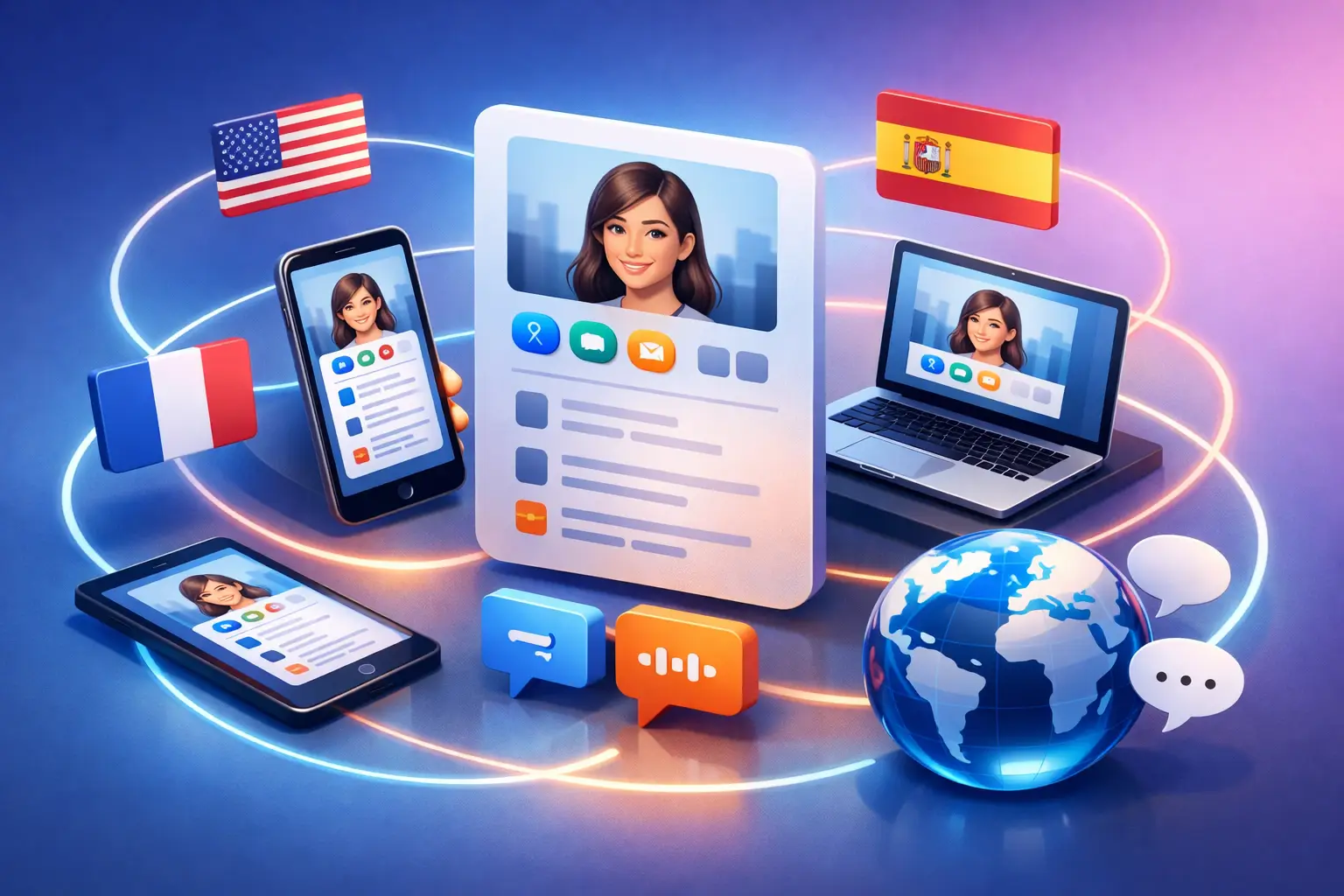
A profile that works in one language can still fail in the moment that matters. A prospect scans your QR code at a trade show, a visitor arrives at your building, or a client checks your digital card from abroad - and the message feels incomplete, awkward, or harder to trust. That is usually the real problem behind how to create multilingual digital profiles. It is not just translation. It is whether people can act quickly, in their own language, without friction.
or modern businesses, multilingual profiles are no longer a nice extra. They are part of lead generation, visitor experience, and brand credibility. If your audience includes international customers, traveling executives, multilingual tenants, conference attendees, or global partners, your profile needs to do more than display translated text. It needs to present the right information clearly, keep it updated in real time, and stay easy to manage across every use case.
What multilingual digital profiles actually need to do
A multilingual digital profile is a live digital identity that presents your information in more than one language. That may sound simple, but the best profiles do three jobs at once. They introduce who you are, guide the next action, and adapt to the person viewing them.
That last part matters most. A static page with a language switcher is better than nothing, but it still puts work on the user. A stronger setup detects device language automatically or makes language selection obvious from the first screen. That reduces hesitation and keeps the interaction moving.
The right profile also reflects context. A public speaker may need bio, media links, and booking details. An exhibitor may need product information and lead capture. A building tenant may need office directions, parking information, and a direct communication path. The structure should match the job the profile is meant to do.
How to create multilingual digital profiles with a clear purpose
The fastest way to get this wrong is to start with design. Start with audience instead. Ask who will scan, view, or receive your profile, and what they need in the first ten seconds.
If you are building a digital identity for networking, focus on contact details, role, company, and one or two strong calls to action. If the profile supports event activity, prioritize session details, exhibitor information, meeting coordination, or lead capture. If it supports a workplace or office building, lead with location, access instructions, and direct communication options.
This is where many teams overbuild. They add every link, every service, every social channel, and every version of their brand story. The result feels busy in every language. A multilingual profile should reduce confusion, not multiply it. Keep the primary action obvious and place supporting information underneath it.
Build the language structure before the content
Once the profile purpose is clear, decide how languages will be handled. There are two common approaches.
The first is manual language selection. This works if your users are likely to expect multiple languages and do not mind choosing. It gives you more control, but it adds one more step.
The second is automatic device-language detection. This works especially well for QR-based interactions, event networking, and visitor-facing use cases because it removes a decision at the start. It is often the better option when speed matters.
Neither method is perfect in every case. Automatic detection can occasionally guess wrong if a device is set to a language the person does not prefer for business interactions. Manual selection can slow people down. In practice, the strongest setup uses automatic detection with an easy language override.
If your profile supports multiple departments or locations, think beyond simple translation. You may need regional variations, not just language versions. A US audience and a Middle ast audience may both read nglish but expect different phone formats, service hours, or calls to action.
Write for action, not direct translation
A big mistake in multilingual profiles is translating text line by line without adjusting how people read and respond. The message may be technically correct but still feel unnatural.
Start with short source content. The shorter and clearer the original text, the better the translated versions will perform. Replace internal jargon with plain business language. Keep headlines direct. Make buttons action-based, such as Book a Meeting, Save Contact, View Services, or Get Directions.
It also helps to separate universal content from local content. Your name, title, and brand identity may stay the same across languages. Your service explanation, visitor instructions, or event messaging may need local adaptation.
This matters even more when trust is involved. A healthcare clinic, real estate agency, or corporate executive cannot afford clumsy copy in a customer-facing profile. Multilingual communication should feel native enough to remove doubt.
Design choices that make multilingual profiles easier to use
Good multilingual profiles are usually simpler than monolingual ones. More languages mean more chances for crowding, broken spacing, and inconsistent hierarchy. Keep the layout clean and mobile-first, especially if the profile will be shared through smart QR business cards or event interactions.
Use clear section labels, strong visual grouping, and enough spacing around key actions. Do not rely on icons alone. Icons can support navigation, but text labels are still essential when users are moving quickly.
Images also need a second look. A banner or visual that makes sense in one market may feel generic or off-brand in another. The safest choice is usually a professional, neutral visual system with localized text rather than language-heavy graphics.
or organizations that want a scalable way to manage digital identity across languages, Your Digital Identity supports live digital profiles with automatic device-language detection and smart QR sharing. That matters when your profile is not just a contact page, but a real business touchpoint.
Keep profiles live, not static
A multilingual profile loses value fast if updates are hard to manage. This is where businesses often fall back to PDs, duplicated landing pages, or manually updated microsites. The content may look acceptable at launch, but it breaks down over time.
A better approach is to use one live profile structure that updates centrally. That way, if a phone number changes, an event agenda shifts, or office access details are revised, the profile reflects it immediately.
This is especially useful in environments where information changes often. Conferences, exhibitions, and office buildings all depend on current details. If a user scans a code and sees old information in any language, the experience feels unreliable.
The practical standard should be simple: one source of truth, multiple language outputs, and real-time updates.
Where multilingual digital profiles create the most value
The return is strongest in situations where timing and accessibility affect action.
or professionals and executives, a multilingual profile improves introductions, media sharing, and follow-up after meetings. Instead of sending scattered links, they can share one digital identity that feels polished to every audience.
or event organizers and exhibitors, multilingual profiles reduce friction at the booth and throughout the attendee journey. Registration details, session information, speaker profiles, and lead capture all work better when attendees can access them in their preferred language. In those settings, speed matters more than perfect detail. People need to understand the next step immediately.
or office buildings and tenant companies, multilingual profiles support visitor access, navigation, and communication. A guest arriving for a meeting should not have to guess where to go or who to contact. Language support turns a confusing arrival into a guided experience.
or customer-facing businesses, multilingual profiles help convert interest faster. A restaurant, clinic, retailer, or agency can remove hesitation by presenting key actions clearly - book, call, review, navigate, or message.
Measure what actually improves performance
If you want to know whether your multilingual profile is working, do not stop at traffic. Look at behavior.
Track which language versions are used most often, which calls to action get clicked, how often profiles are saved or shared, and where drop-off happens. If one language version gets views but fewer conversions, the issue may be copy clarity, button placement, or cultural mismatch rather than demand.
This is one reason dynamic profiles outperform static assets. They let you adjust in response to real use. You can test shorter copy, sharper CTAs, or different content priorities without rebuilding from scratch.
The goal is not to say more in more languages. The goal is to create more successful interactions.
The standard is higher now
Knowing how to create multilingual digital profiles means recognizing that language is part of the product experience, not a layer added at the end. When your profile adapts to the viewer, stays current, and guides the next step clearly, it stops being a digital business card and starts acting like a business tool.
That shift matters because first impressions increasingly happen through a scan, a share, or a quick mobile view. If your audience is diverse, international, or constantly moving between physical and digital spaces, your profile should be ready for that reality. Build it to speak clearly the first time, and you give every interaction a better chance to become something useful.