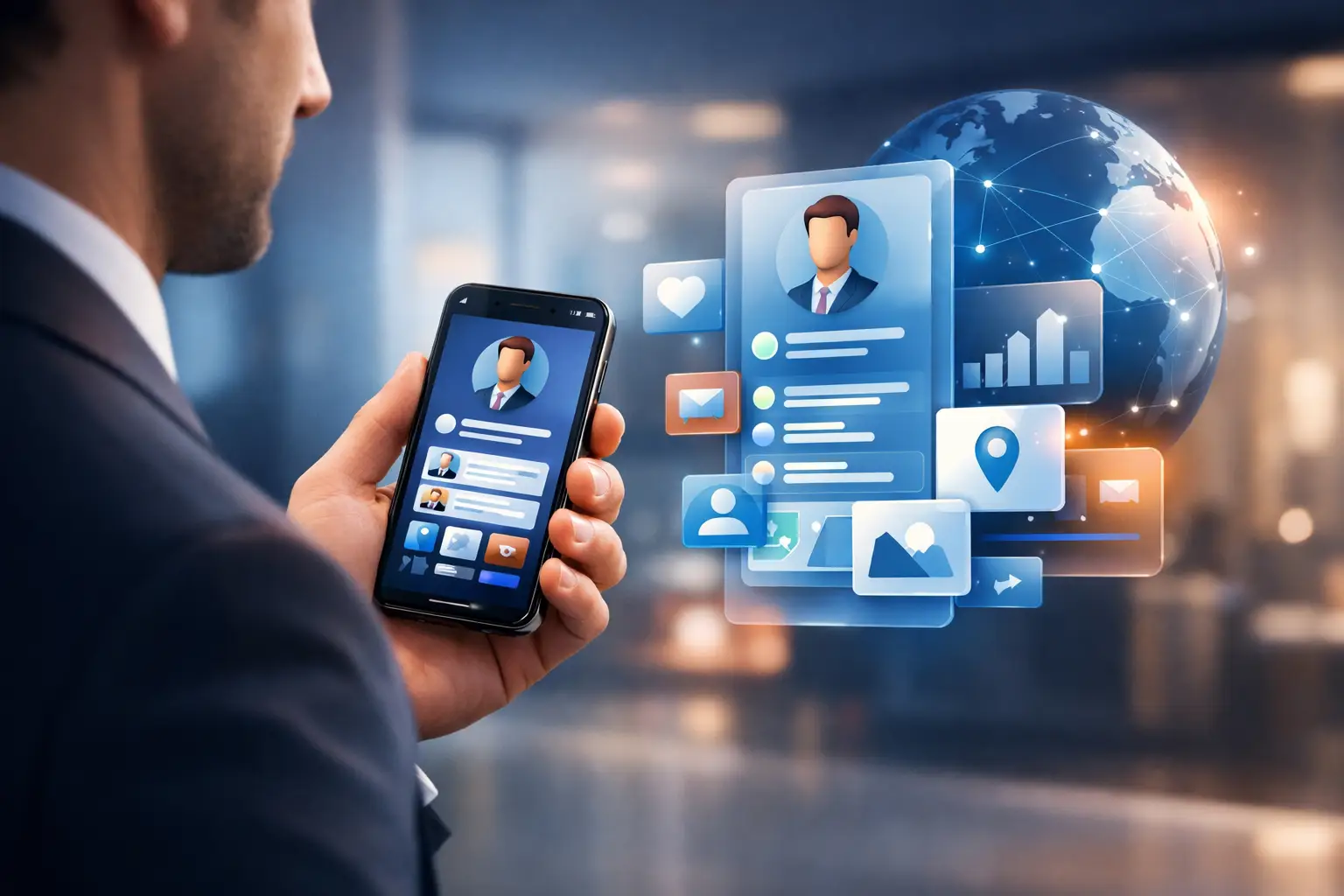
The problem usually shows up in small moments. A prospect asks for your details, and you send three separate links. An event attendee scans your QR code, but the page is outdated. A visitor arrives at your building and still has to ask where to go. If you are figuring out how to build a live digital profile, the real goal is not just to look modern. It is to make every interaction faster, clearer, and easier to act on.
A live digital profile is different from a static landing page or a basic link list. It changes as your business changes. You can update contact details, booking options, event materials, media, directions, forms, and calls to action without replacing the original share point. That matters because people rarely meet you in a perfect setting. They meet you at a conference booth, through a QR code on a counter, in a building lobby, or from a contact card forwarded after a meeting. In each case, your profile needs to work right now, not just look good.
What a live digital profile needs to do
If you want to understand how to build a live digital profile well, start with function before design. The profile should answer three questions immediately: who are you, what do you want the visitor to do next, and why should they trust the information in front of them.
or a professional or executive, that might mean a clean profile with direct contact options, social channels, booking links, featured media, and a smart QR business card that always points to the latest version. or a business with a physical location, it may need support channels, appointment booking, directions, reviews, and a fast way to reach the right department. or an event organizer or exhibitor, the profile may need to capture leads, share session details, and keep attendees engaged without forcing them through a generic app. or office buildings, it can become a live communication point for navigation, parking, building updates, and office contact.
The common thread is simple. A live digital profile should reduce friction. If it adds extra clicks, outdated information, or too many choices, it loses value quickly.
How to build a live digital profile around real use cases
The biggest mistake is building one profile and expecting it to serve every audience the same way. The stronger approach is to build around context. The person scanning your QR code at an event does not need the same experience as a tenant entering a commercial building or a client looking for your scheduling link.
Start by identifying the top interactions you want to support. Most organizations have two or three that matter most. Lead generation, contact sharing, visitor guidance, booking, and customer support are common examples. Once those are clear, structure the profile so the primary action is visible first. If your goal is meeting requests, put that above long company descriptions. If your goal is attendee engagement, make registration, session access, and live updates easy to find.
This is where a dynamic digital identity platform becomes more useful than a static microsite. A smart digital card lets you update details once and keep the same share method in circulation across printed QR codes, business cards, booths, counters, signatures, and signage. or teams that want to replace fragmented link sharing with one controlled, updatable profile, this is the practical model to follow.
The core elements to include
A live digital profile does not need to be crowded to be complete. In most cases, it should include a clear name or brand, a short positioning statement, direct contact options, and one primary call to action. rom there, add only what supports the next step.
or professionals, useful additions include calendar booking, portfolio highlights, speaking topics, downloadable contact details, and verified social channels. or local businesses, service menus, directions, reviews, chat, and booking can carry more value than a long brand story. or exhibitors, product overviews, demo requests, and lead capture forms often matter more than corporate background. or office environments, building access information, wayfinding, parking, and tenant communication tools should take priority.
Real-time updates are not optional. If your phone number changes, if your event session moves rooms, or if your office visitor process changes, the profile should reflect that immediately. That is the difference between a live digital asset and a digital brochure.
Design matters, but clarity matters more
Good design builds trust fast, but overdesigned profiles often perform worse. The best live profiles are easy to scan visually and easy to act on. Keep the layout focused, use consistent branding, and write labels that leave no doubt about what happens next.
This is also where mobile experience matters most. Most people will access your profile on a phone, often while moving, standing in line, or speaking with someone. Buttons need to be obvious. Pages need to load quickly. Information should appear in the right order without forcing people to hunt for basic details.
Multilingual support can also shift performance, especially for organizations serving international audiences. If your profile can adapt to device language and present information in the visitor's preferred language, you remove another layer of friction. That is especially useful in conferences, public-facing businesses, and mixed-tenant office environments.
How to build a live digital profile that keeps working after the first share
The first interaction gets attention, but the update model is what creates long-term value. A strong profile should not need to be rebuilt every time your offering changes. Instead, it should function like a central layer for all your current information.
That means thinking beyond the page itself. Where will people access it? A smart QR business card is one of the most effective channels because it connects physical meetings with a live digital experience that you control. A printed card normally expires the moment your details change. A QR-powered digital identity keeps working because the destination stays current even when the content evolves.
or event teams, the same principle applies at scale. Registration details, agendas, exhibitor materials, and attendee touchpoints should stay live before, during, and after the event. A digital event profile works best when it supports the full interaction, not just check-in. That is why conference technology needs to connect attendee engagement, participation, and lead capture inside one environment instead of scattering them across separate tools.
or office buildings, a live profile can support more than branding. It can guide visitors, inform tenants, simplify communication, and reduce confusion at arrival points. In that setting, the profile becomes part of the building experience rather than a simple information page.
Common mistakes that weaken live digital profiles
A live digital profile can fail even with good technology behind it. The most common issue is trying to say too much. When every service, channel, and update gets equal weight, visitors stop making decisions. Prioritize the action that matters most for that audience and let the rest support it.
Another mistake is treating all traffic the same. A booth visitor has different intent than a returning client. If possible, create tailored versions for different contexts rather than forcing one generic profile on everyone. The trade-off is management complexity, but for many teams the improvement in relevance is worth it.
There is also a control issue. If multiple people edit the profile without a clear owner, outdated messaging tends to creep back in. Assign responsibility. A live asset only stays valuable if someone actively manages it.
Choosing the right platform for a live digital profile
If you are serious about how to build a live digital profile, do not choose a tool based only on appearance. Choose based on adaptability. Can it support your specific use case, whether that is digital identity, events, or office communication? Can it update instantly? Can it centralize engagement instead of sending people through disconnected tools?
This is where vertical fit matters. A generic profile builder may be enough for a solo consultant, but not for a conference operator managing attendee interaction or a property team modernizing visitor communication. The right platform should match the environment where the profile is being used and make that environment easier to manage.
OneContact is built around that idea. Instead of offering one generic app for everyone, it provides live digital tools for identity, events, and office buildings, so organizations can build profiles that fit the actual interaction they need to improve.
The best live digital profile is not the one with the most features. It is the one that removes the most friction. Build it around the moments where people need clarity, speed, and a reason to act, and it will keep creating value long after the first scan.